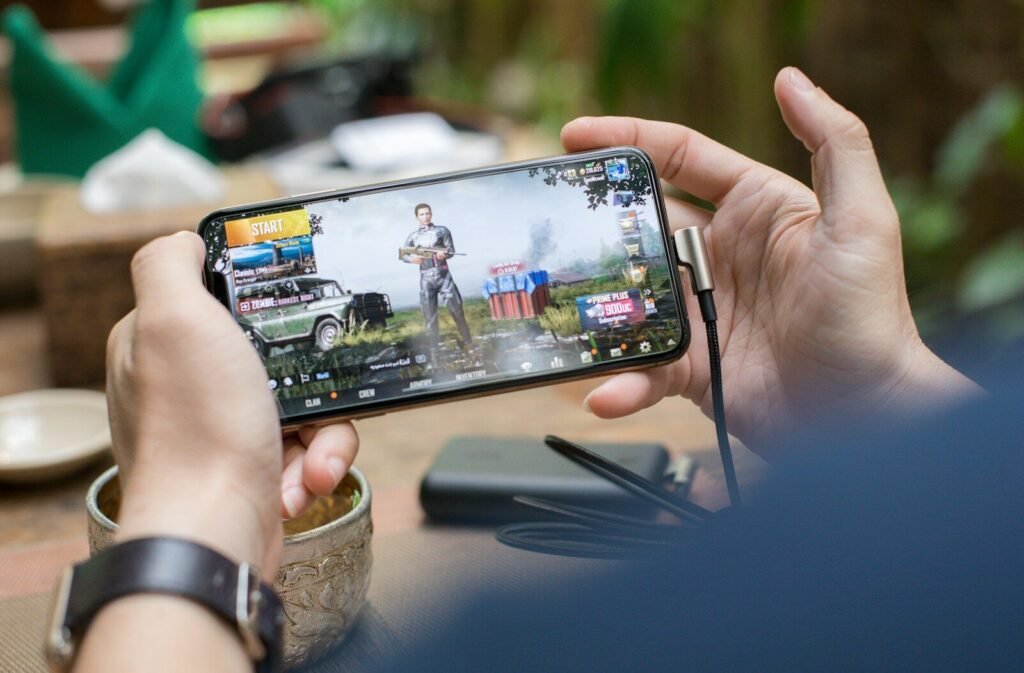
Mobile gaming settings that actually reduce lag
Competitive mobile games are decided in fractions of a second, and a phone that’s juggling notifications, background apps and a hot processor won’t keep up. Here’s what actually helps.
On the phone
- Use the built-in game mode. Most Android phones and iPhones have one; it blocks notifications and prioritises the game.
- Close background apps before a session — especially anything syncing or streaming.
- Turn on high refresh rate in display settings if your phone supports it, then enable the matching frame rate option in the game.
- Lower graphics, raise frame rate. Smooth motion matters more than shadows. Pick the highest frame rate the game allows and drop the quality until it holds steady.
- Disable battery saver while playing; it throttles performance.
On the network
- Wi-Fi is usually better than mobile data, but a congested home network can be worse than a strong 5G signal — test both.
- Sit closer to the router, or use the 5GHz band if your router offers it.
- Pick the nearest server region in the game’s settings; the default isn’t always the closest.
If none of this helps, check whether the game is simply too demanding for your phone — a lower graphics preset isn’t a failure, it’s the setting that lets you compete.