Why your gaming PC runs hot — and how to fix it
When a PC gets hot it slows itself down to stay safe, which shows up as stuttering and dropped frames in demanding games. Before buying a new cooler, work through the common causes in order.
Check the easy things first
- Dust. Filters and heatsinks clog within months. A can of compressed air and ten minutes fixes more thermal problems than anything else.
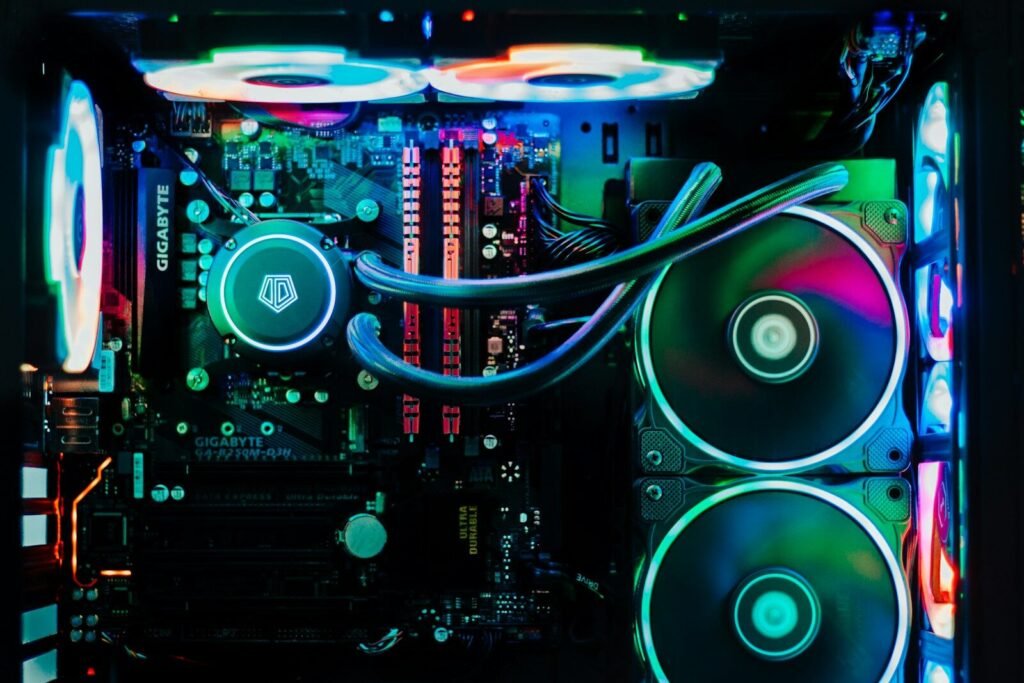
- Airflow direction. Front and bottom fans should pull air in; rear and top fans push it out. Fans installed backwards are surprisingly common.
- Cable clutter. Loose cables in front of intake fans choke airflow. Route them behind the motherboard tray.
- Case placement. A PC pushed into a closed cabinet or against a wall can’t breathe.
Then the software
Use a monitoring tool to see what is actually hot. If the graphics card sits near its limit, cap the frame rate to your monitor’s refresh rate — rendering 300 frames on a 144Hz screen is wasted heat. Setting a custom fan curve lets fans ramp earlier at the cost of a little noise.
Finally, the hardware
If temperatures are still high, replace the thermal paste on the CPU (it dries out after a few years) and consider adding one more case fan before upgrading the cooler itself. A better cooler only helps if the case can move the hot air out.